
The $3,000 Gamble Most Couples Don't Talk About
Wedding photography is one of the largest single expenses in a wedding budget — and one of the least predictable. According to The Knot's 2024 Real Weddings Study, the average cost of a wedding photographer in the United States is $2,900, with many couples in major cities spending $5,000–$7,000 or more for a full-day package. Photography and videography together typically consume 10–15% of the total wedding budget.
You hire a photographer based on their portfolio, sign a contract months before the wedding, and then wait until the day itself to find out whether the two of you actually look good together in front of a camera. By then, it is too late to change anything. The venue is booked. The dress is bought. The flowers are ordered.
AI wedding photo preview exists to solve exactly this problem — and it costs nothing to try.
What AI Wedding Photo Preview Actually Does
The concept is simple: before you commit to a photographer, a venue, or even a specific dress style, you upload a photo of each partner and generate a realistic AI wedding photo. The result shows you what the two of you look like together in a wedding setting — with professional lighting, a formal backdrop, and the visual quality of a real wedding photograph.
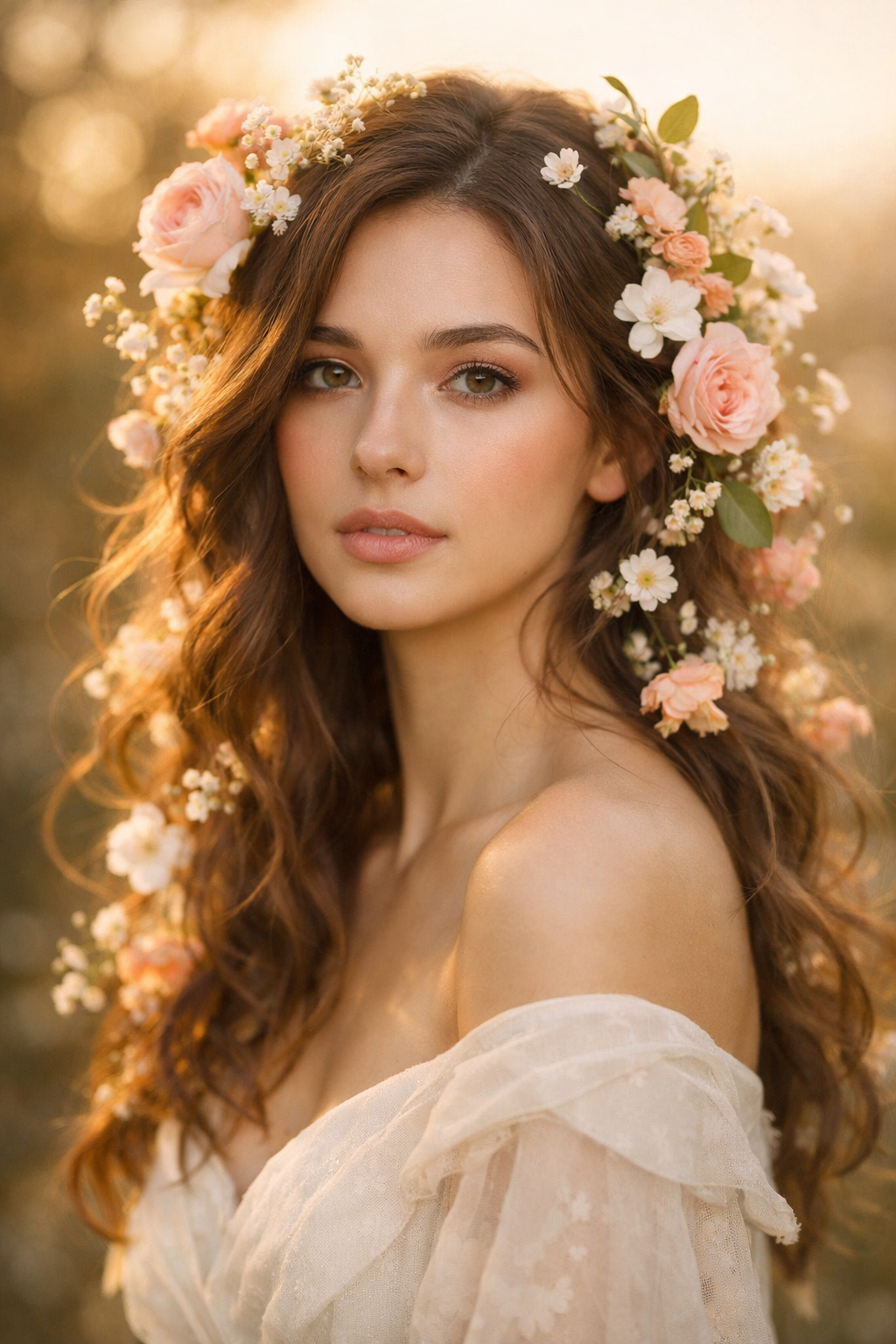
This is not a rough sketch or a cartoon approximation. Modern AI face-blending technology preserves each person's actual facial features — their face shape, skin tone, and distinctive appearance — and renders them into the scene with natural integration. The output is a high-resolution image that looks like it was taken at a real wedding.

Five Ways Couples Are Using AI Wedding Photo Preview
Testing venue and style combinations is the most practical application. If you are deciding between an outdoor garden ceremony and an indoor ballroom, generating a preview for each setting gives you a concrete visual reference rather than an abstract guess. You can see which backdrop actually complements your coloring and your dress style before committing to a deposit.
Sharing with family before the wedding addresses one of the most common sources of pre-wedding stress: managing expectations from parents and relatives who have strong opinions about how the wedding should look. Showing them an AI preview gives them something concrete to react to, and often resolves disagreements before they become arguments.
Choosing between dress styles is another use case that surprises couples. If you are torn between a fitted silhouette and a ballgown, generating a preview in each style — using the same backdrop and the same partner — makes the decision significantly easier. You are no longer choosing between two dresses on a hanger; you are choosing between two versions of your wedding photo.
Long-distance couples planning a wedding face a particular challenge: they often cannot visit venues together, attend dress fittings together, or do engagement shoots together before the wedding. The AI Wedding Photo Generator fills this gap, giving both partners a shared visual reference for planning conversations that would otherwise be abstract.
Creating save-the-dates and invitations is a creative use that more couples are discovering. A high-quality AI wedding photo can serve as the image on your save-the-date card, giving guests a preview of your wedding aesthetic before the actual photographs exist.
How the Preview Compares to the Real Thing
A reasonable question is how closely the AI preview matches what a professional photographer will actually produce. The honest answer is: it is a planning tool, not a prediction.
| Aspect | AI Preview | Professional Photography |
|---|---|---|
| Facial accuracy | High — preserves real features | Exact — captures the real moment |
| Lighting quality | Realistic, scene-appropriate | Depends on photographer skill |
| Emotional authenticity | Simulated | Real expressions, real moment |
| Turnaround time | Usually minutes, depending on provider availability | Weeks after the wedding |
| Cost | Free to try | $2,900–$7,000+ |
| Best use case | Planning, visualization, decisions | Final wedding memories |
The AI preview is a planning tool, not a replacement for professional photography. Its value is in the decisions it helps you make before the wedding, not in replacing the photographs you will treasure after it.
Practical Tips for Realistic Wedding Previews
The quality of your AI wedding preview depends on the photos you use as input. A few guidelines will help you get results that are genuinely useful for decision-making.
Use recent photos that accurately represent how you will look on your wedding day. If you have already changed your hair, updated your style, or lost weight since your last good photos, use something more current. The preview is only as useful as its accuracy to your actual appearance.
For the best facial integration, use photos where your face is clearly visible, well-lit, and facing roughly toward the camera. A photo taken in natural daylight — even a simple selfie — typically produces better results than a dimly lit photo or one taken at an extreme angle.
If you want to preview a specific dress style, wear something that approximates the silhouette in your input photo. The AI will render you in wedding attire, but the underlying body shape and posture in your input photo will influence the result.

The Bigger Picture: Reducing Wedding Decision Anxiety
Wedding planning involves an extraordinary number of decisions made under significant emotional and financial pressure, often months before you have any concrete feedback on whether those decisions were right. According to Brides.com, couples should allocate around 15% of their overall wedding budget to photography — a significant investment that deserves careful consideration before signing a contract.
AI wedding photo preview converts abstract decisions — "will we look good together in front of this venue?" — into concrete visual evidence. It gives you something to react to, adjust, and build on. New-account welcome credits make it possible to test the workflow before choosing a paid plan, while processing time varies by provider availability.
Other Romantic Scenes to Explore
Once you have previewed your wedding look, you may want to explore other scenes available on AI Couple:
- Romantic Date Night — perfect for anniversary gifts or Valentine's Day cards
- Couple Avatar — matching profile pictures for social media
- Valentine's Day — romantic portraits surrounded by roses and hearts
- Anime Style — a fun, artistic take on your relationship
Getting Started
Visit the AI Wedding Photo Generator and try it now. Create or sign in to your account, upload one clear photo of each partner, select the wedding scene, and generate your preview. Processing time varies with provider availability.
If you are in the middle of wedding planning and feeling overwhelmed by decisions, this is a good place to start. See what the two of you look like together in a wedding photo. It might be exactly what you imagined — or it might show you something worth adjusting before the big day.
Either way, you will know before it matters.
Try the AI Wedding Photo Generator. New accounts receive welcome credits that can be used for a first generation.